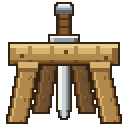
Using Racks
Crafting
Three planks in a row, two sticks below the ends. One craft makes one rack.
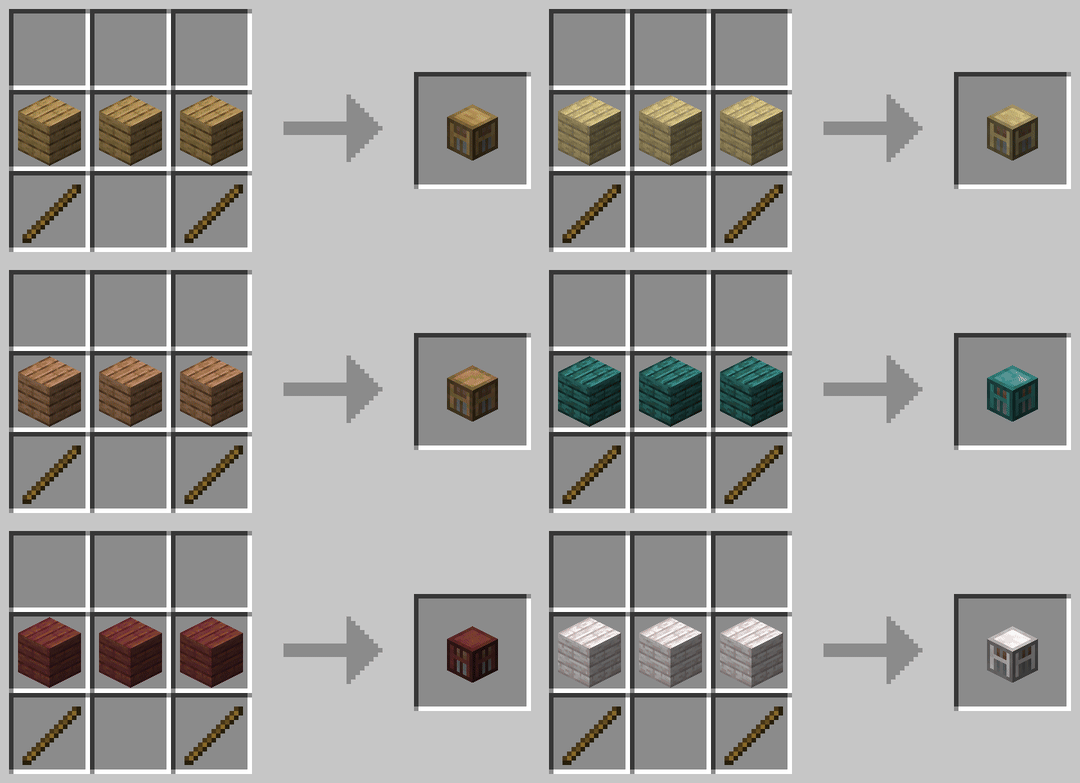
Any of the twelve woods works, and the rack comes out in the wood you used. See Wood Variants.
Operators can also hand racks out with /racks give.
Placing
Put the rack on the ground and it holds two tools. Hang it on the side of a block and it holds one.
A floor rack turns to face whoever placed it. A wall rack faces away from the wall it hangs on.
TIP
Look at the block you want the rack in front of, not at the floor beside it. Racks go up the same way any block does.
Putting items on and taking them off
Right-click the rack with the item in your main hand to put it up. Right-click with an empty hand to take it back.
A floor rack has a separate click area for each of its two slots, so you can change one tool without disturbing the other.
Holding the rack's item slot already full and a different tool in hand swaps the two in one motion.
Changing the pose
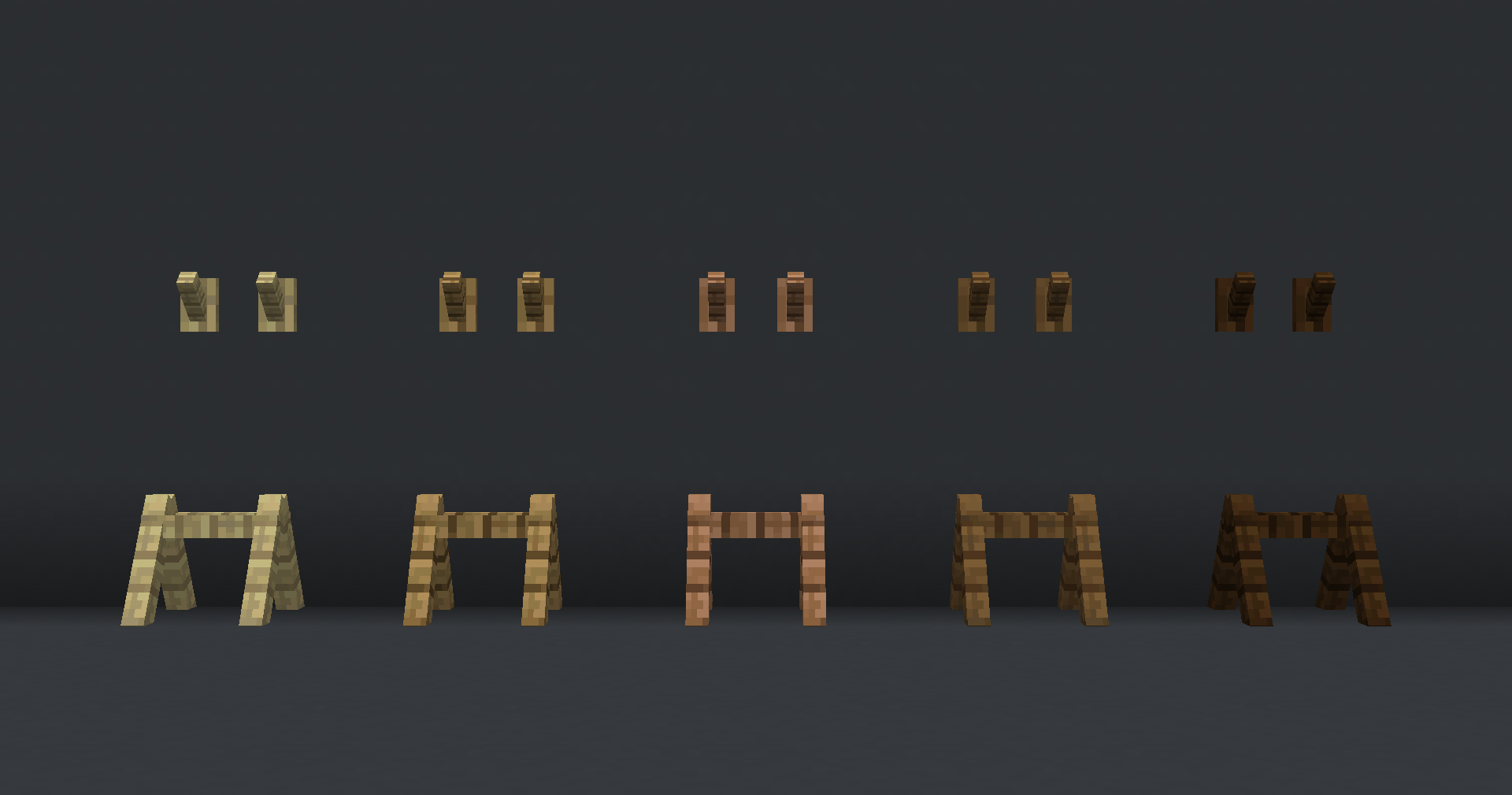
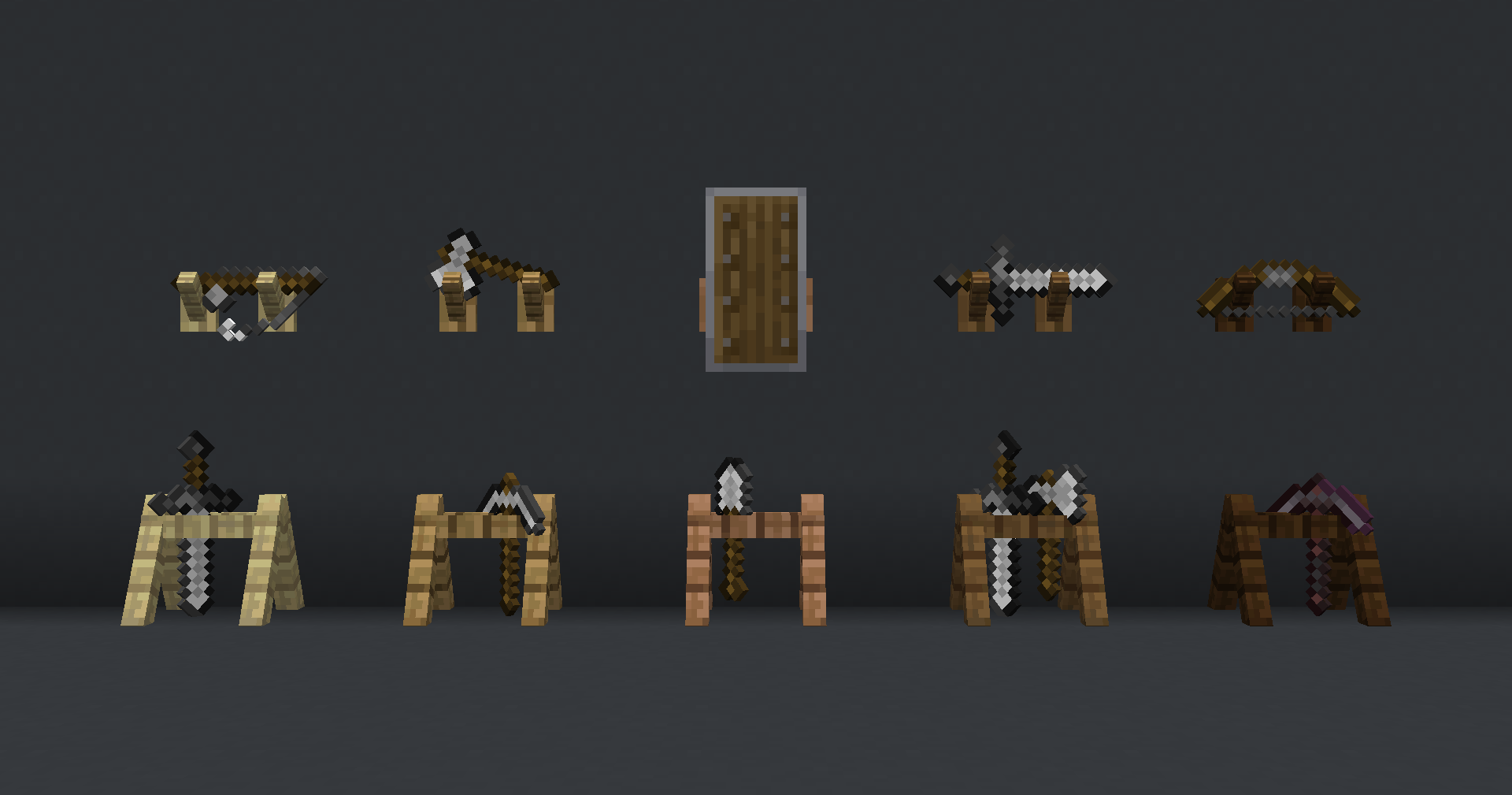
Sneak and right-click a rack to change how its items sit. Floor racks have six arrangements, wall racks have four. Keep clicking to cycle back to the first.
An empty rack has nothing to turn, so sneak-clicking one does nothing.
Breaking a rack
Left-click a rack to break it. The rack drops as an item, and anything on it drops too.
Items on the rack always drop, even when the person breaking it is in creative mode. The rack itself does not drop in creative.
A wall rack also breaks on its own if the block it hangs on is removed, the way a painting does. See the ignore-wall-rack-support setting in Configuration to turn that off.
What fits on a rack
Racks hold tools and weapons, not blocks or materials. Wall racks take a wider range than floor racks.
Floor racks
Axes, hoes, pickaxes, shovels, swords, spears, maces, fishing rods, carrots on a stick and warped fungus on a stick.
Wall racks
Everything a floor rack takes, plus bows, crossbows, tridents, shields, shears and spyglasses.
Right-clicking with anything else does nothing at all. The rack does not take the item and does not empty itself.
Enchantments, custom names, trims, durability and items added by other plugins all come back exactly as they went on.
Items retextured by a resource pack
A rack shows the item's normal model. If a resource pack changes a tool's model or the direction its texture points, it may sit at an odd angle on the rack. This is the same on the original data pack.