
Getting Started
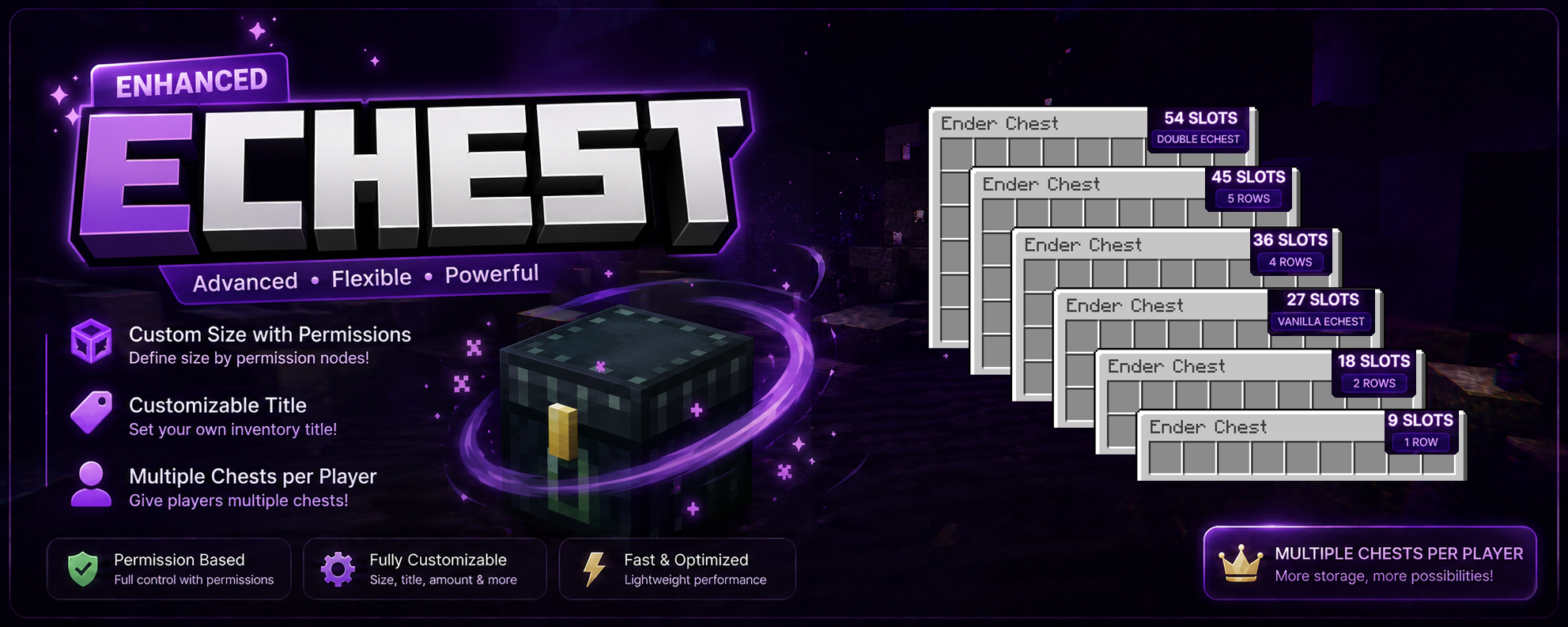
Meet EnhancedEchest and explore everything it brings to your Minecraft server.
Features
See everything EnhancedEchest adds for your players.
Configuration
Set up chest size, storage, backups, and more.
Migration
Import players' existing vanilla ender chest data.
Localization
All player-facing text is editable and translatable.
Requirements
| Requirement | Specification |
|---|---|
| Minecraft Version | 1.21.11 - 26.2 |
| Server Software | Paper, Folia, Purpur or compatible Paper forks |
| Java Version | Java 21 |
Running Folia?
Everything works the same as on Paper, with one admin-facing exception: if an admin opens a player's chest with /ee view while that player already has it open, Paper lets both view it together, while Folia asks the admin to wait until the player closes it. No items are ever lost either way.
Using the LPX anti-exploit plugin? Update it to 3.8.4 or newer
EnhancedEchest's chest menus use Minecraft's built-in Dialog feature, which older versions of LPX block. Update to 3.8.4 or newer if you run it.
Download
 Modrinth
  Spigot
  Hangar
 Modrinth release
The Modrinth page is being prepared and may not be public yet. Until it goes live, grab the latest build from Spigot or Hangar above.
Install
- Stop your server completely
- Download the latest
.jarfile from a source above - Place it in your server's
plugins/folder - Start your server (avoid using
/reload)
No extra dependencies
Everything the plugin needs, including the database driver, is bundled inside the jar. By default it uses SQLite, so it works out of the box with no further setup. See Configuration and Database for what's created and how to change it.
Updating
Download the new version, stop your server, replace the old .jar file, then start it again. Your data and configuration are preserved across updates.
Need Help?
Check your console logs for error messages, report bugs on GitHub Issues, or ask on our Discord.